Nilesoft Shell Pro
A community fork of Nilesoft Shell, the Windows File Explorer context-menu manager: security and stability fixes, a per-user install with no admin rights, and a desktop app for the configuration.
271 installer downloads · GitHub releases
shell -config:init
shell -register -user -treat -restartWhat it is
Nilesoft Shell is a context-menu manager for Windows File Explorer. You describe menu items in a plain-text shell.nss file (what they say, which icon, which command, when they show up) and Shell draws the menu in place of the Windows one. It can also hide, move or rename the items Windows and other programs add.
Nilesoft Shell Pro is my fork of moudey/Shell. The configuration language is untouched, so an existing shell.nss works as it is. What changed is everything around it: how it installs, how it registers with Explorer, the code that runs inside Explorer's process, and a desktop app for people who'd rather not edit the file by hand. It is a community fork, not an official Nilesoft release.
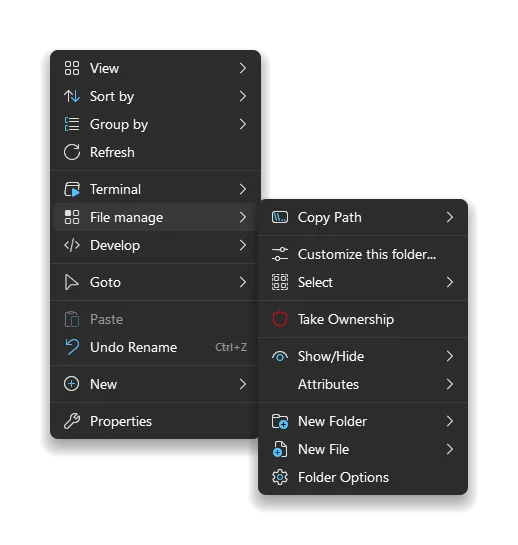
The menu itself looks the same as upstream's. That screenshot is upstream's own.
Compared with upstream
The upstream project has about 6,900 stars. Its last release was v1.9.15 in February 2024. Registering it with Explorer needs administrator rights, and configuring it means editing shell.nss in a text editor. The fork has shipped seven releases since, up to v2.0.4 in October 2026, as MSI installers for x64, ARM64 and x86 plus a portable zip that installs for one user.
Security
Registering upstream's build gives the Users group full control of the Windows 11 context-menu CLSID key and widens the access rights on the program folder. The fork does neither, and ships a script, repair-treatas-acl.ps1, for machines an earlier build already changed (it can run in a report-only mode). Windows' own DLLs no longer load through the DLL search path, and shell.dll and shell.exe are built with Control Flow Guard.
Stability
Shell runs inside Explorer, so a crash in Shell takes down the taskbar and every open folder. COM is no longer initialised from DllMain, and import nesting is bounded, so a configuration that imports itself can't crash Explorer. A configuration with an error is retried once it's saved again, and a working one reloads whenever shell.nss or any file it imports changes, so editing never needs an Explorer restart.
There are also fixes for COM reference counting, registry string reads, Win32 path buffers, UTF-8 conversion and file copying, and shell.exe now exits non-zero when it fails.
Menus
Removing duplicate items no longer overwrites the first one, leading separators are dropped, and the Send to and New submenus, which Windows fills in late, are read again when opened. Menus land in the right place on monitors with negative coordinates. Shell also stopped changing your selection-fade setting and Explorer's working directory behind your back.
Installing without administrator rights
shell -register -user registers under HKEY_CURRENT_USER, including the Windows 11 classic-menu redirect, and the configuration can live in %APPDATA%\Nilesoft\Shell. On a work machine without admin rights, that's the difference between using Shell and not.
Where the fixes came from
Several of these are ported, and the repository credits each one in its commit messages: the security, Control Flow Guard, path and encoding fixes from opj161/Shell, the DllMain, bounded-import and duplicate-removal fixes from TCNOco/Shell, the unregister and theme-colour fixes from arvaidasre/Shell, and four upstream pull requests that were never merged (#834, #836, #842 and #846). The per-user mode, the app, the default menus and the documentation site are the fork's own.
The app
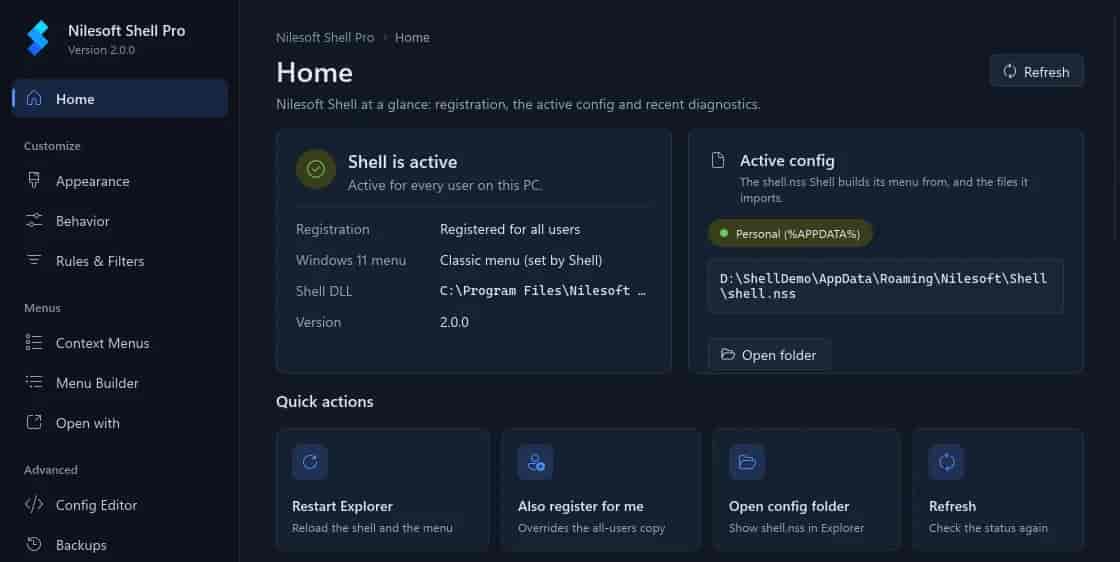
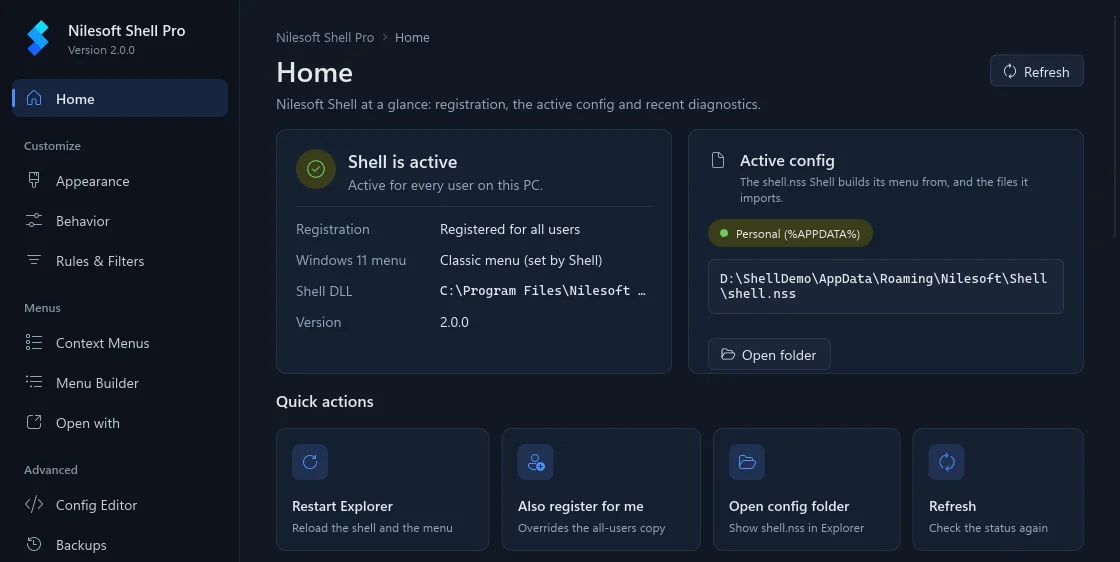
NilesoftShellPro.exe is one file with no other dependencies, not even the VC++ runtime, and it runs as the current user. It reads the installation state through shell -status and checks every edit with shell -config:check before saving, so it never writes a configuration Shell would reject.
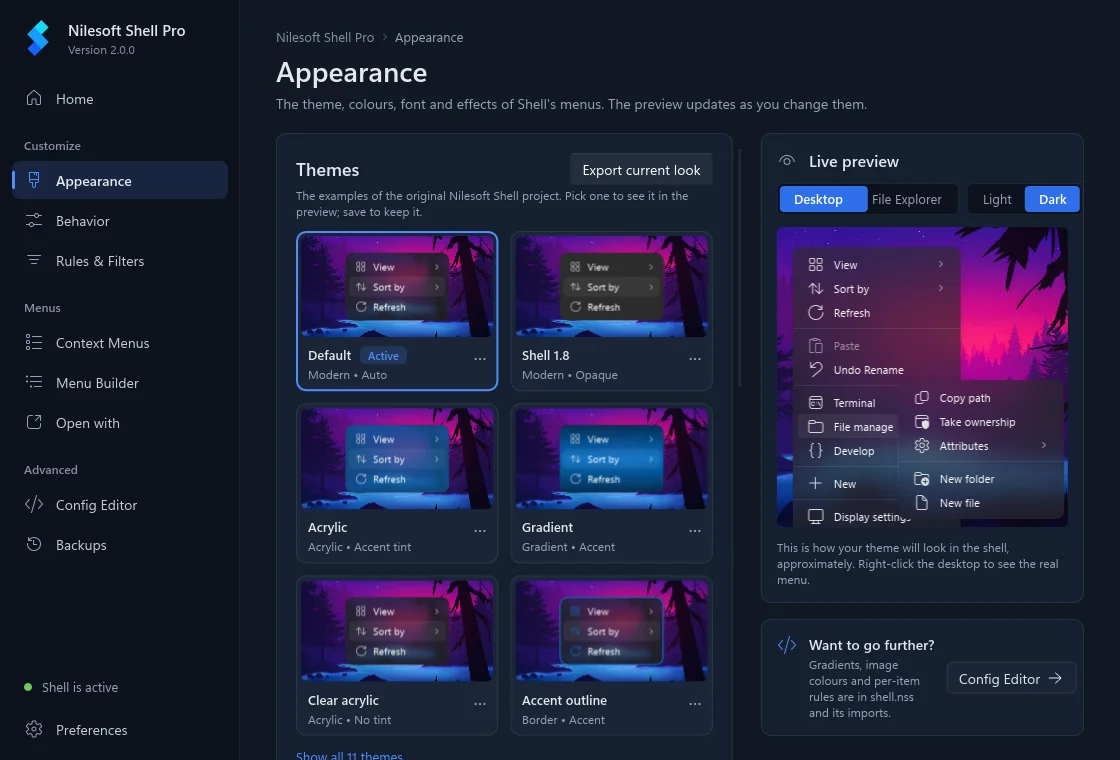
The Appearance page turns upstream's example themes into one-click cards and previews the menu on your wallpaper as you change colours, fonts and corner radius. Each value shows which file sets it.
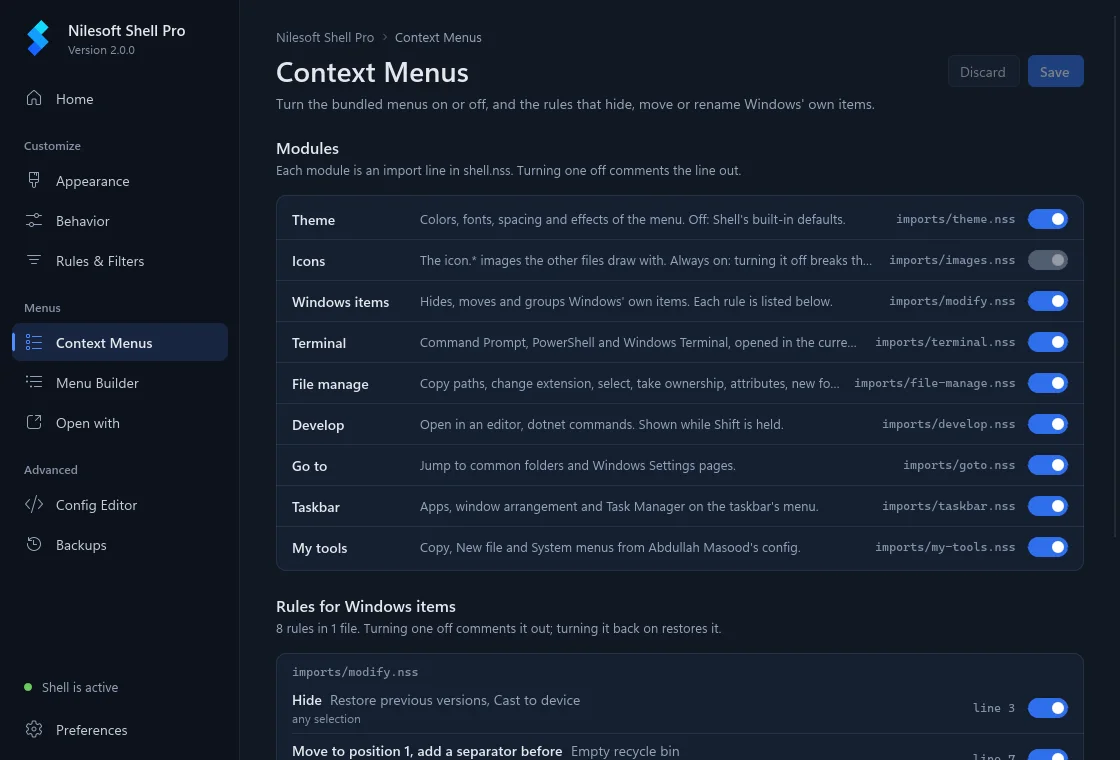
Context Menus switches the bundled modules (terminal, file manage, develop, go to, taskbar, my tools) on and off, and holds the rules that hide, move or rename Windows' own items.
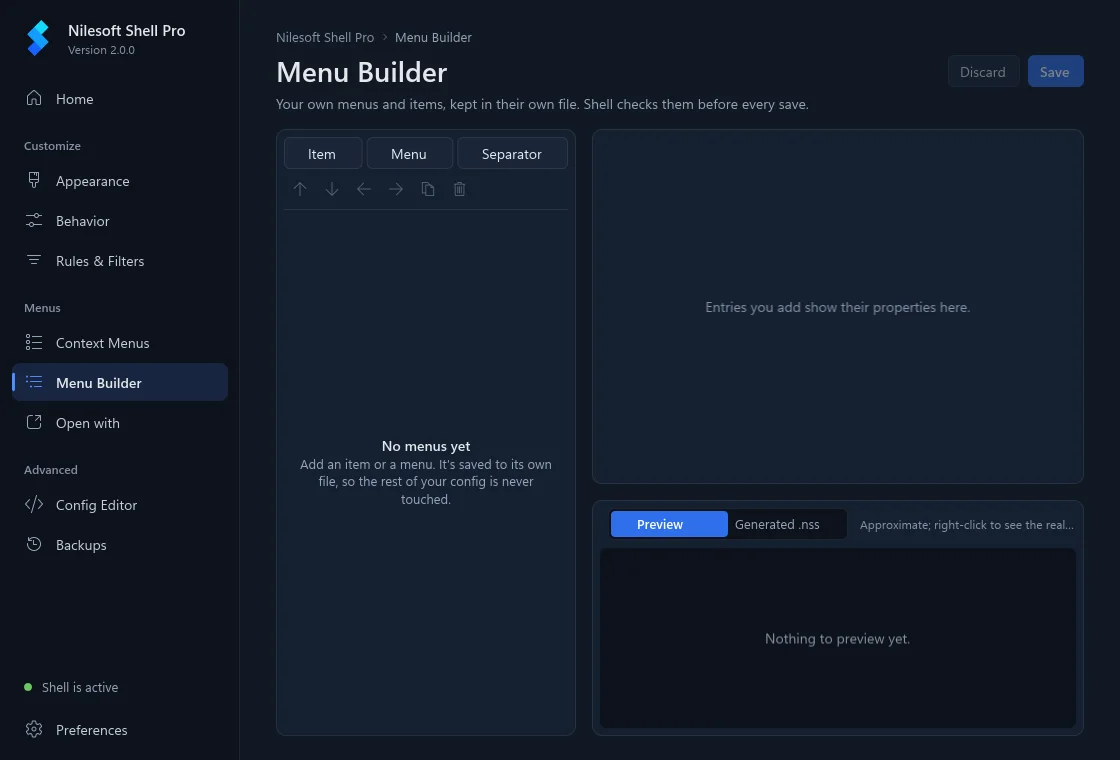
Menu Builder adds your own menus and items without touching the file syntax. Everything the app writes goes into separate import files that load last (Menu Builder and Open with each get their own), so a hand-written shell.nss stays exactly as you wrote it. Saving from the Config Editor takes a snapshot first, and Backups compares snapshots line by line with the current files.
It checks the fork's GitHub releases once a day, downloads the MSI or portable zip that matches how you installed, and verifies it against the release's SHA256SUMS.txt before installing it when you confirm. It's built in C++ with Slint 1.18.
Limits
Uninstall the original Nilesoft Shell before installing Pro. They don't replace each other, and with both registered the menu can stop appearing or show up twice. The installers aren't code-signed, so SmartScreen may warn. Upstream supports Windows 7 to 11, but the app has only been run on Windows 11, and the x86 build doesn't include it.