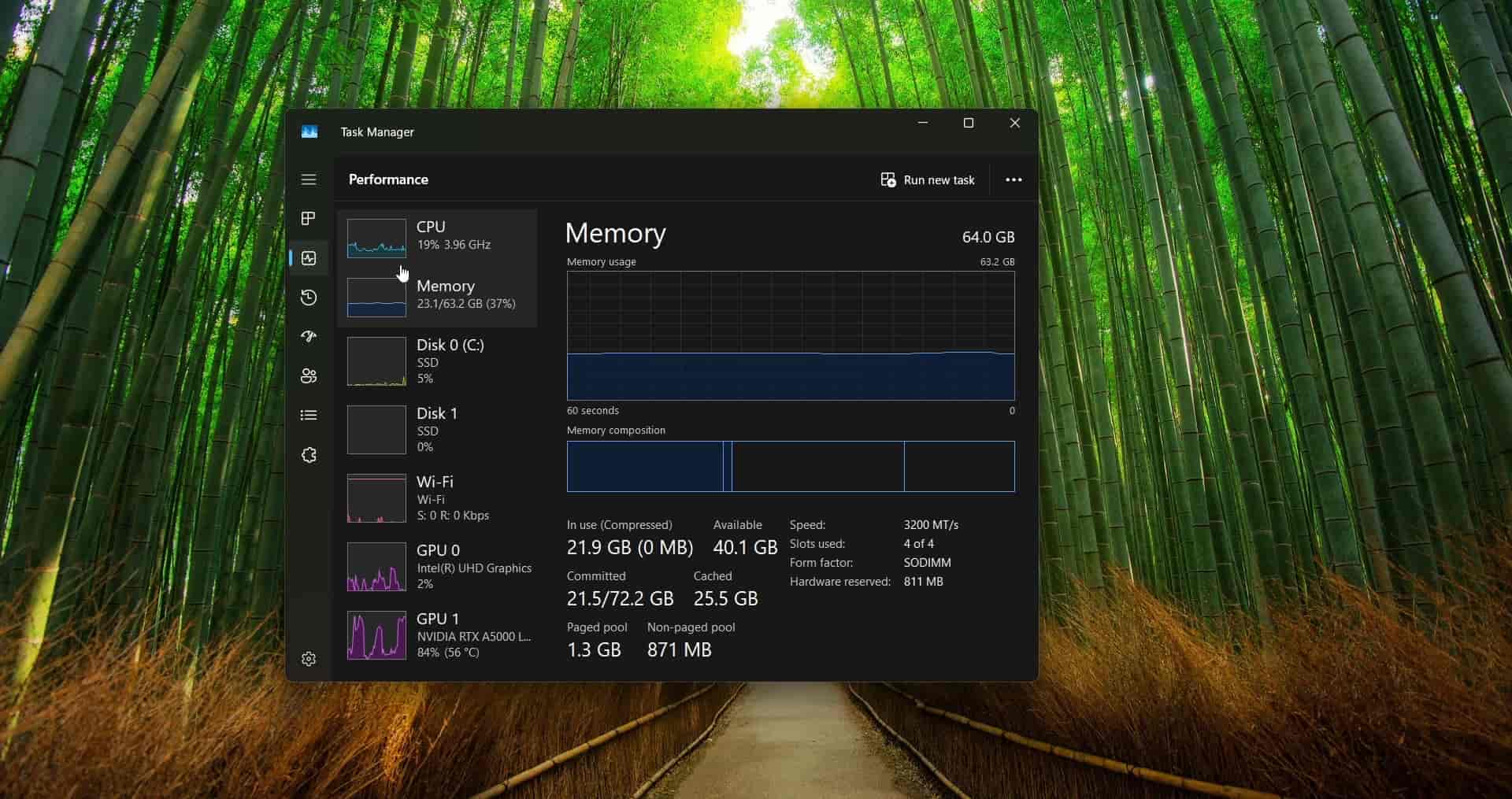
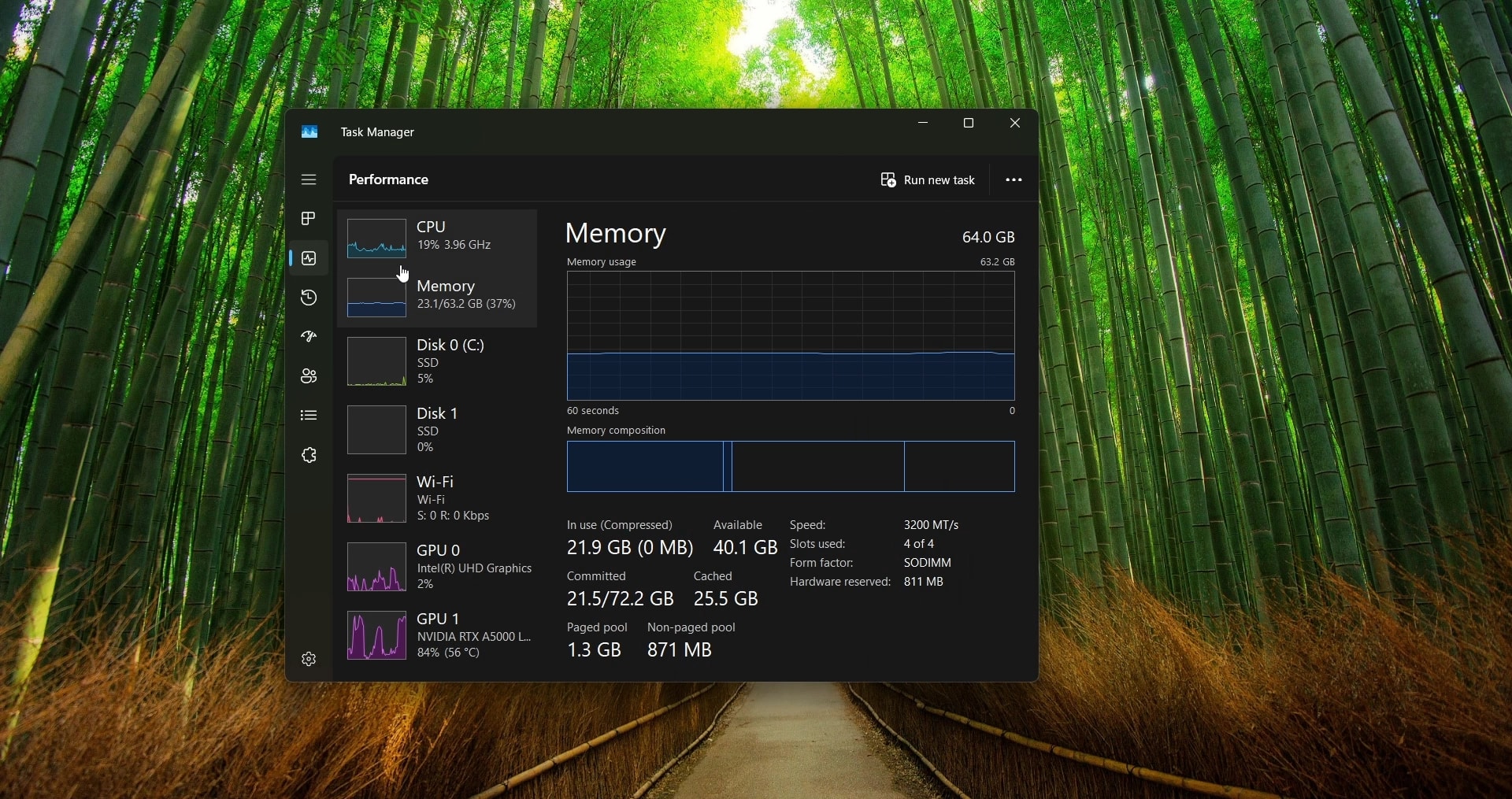
Task Manager Tab Slide Animation (Windhawk Mod)
Windhawk mod in C++ that adds a smooth crossfade or slide transition when switching tabs in the Windows 11 Task Manager, a WinUI 3 app with no clean tab-change signal, so it works by heuristics and screen capture. Published to the official Windhawk catalog.
What it does
The Windows 11 Task Manager switches between its tabs instantly, with no transition at all. This Windhawk mod adds a smooth animation when you move between the left-nav tabs (Processes, Performance, App history…) and between the Performance sub-pages (CPU, Memory, Disk, Network, GPU). Pick one of two styles in Settings.
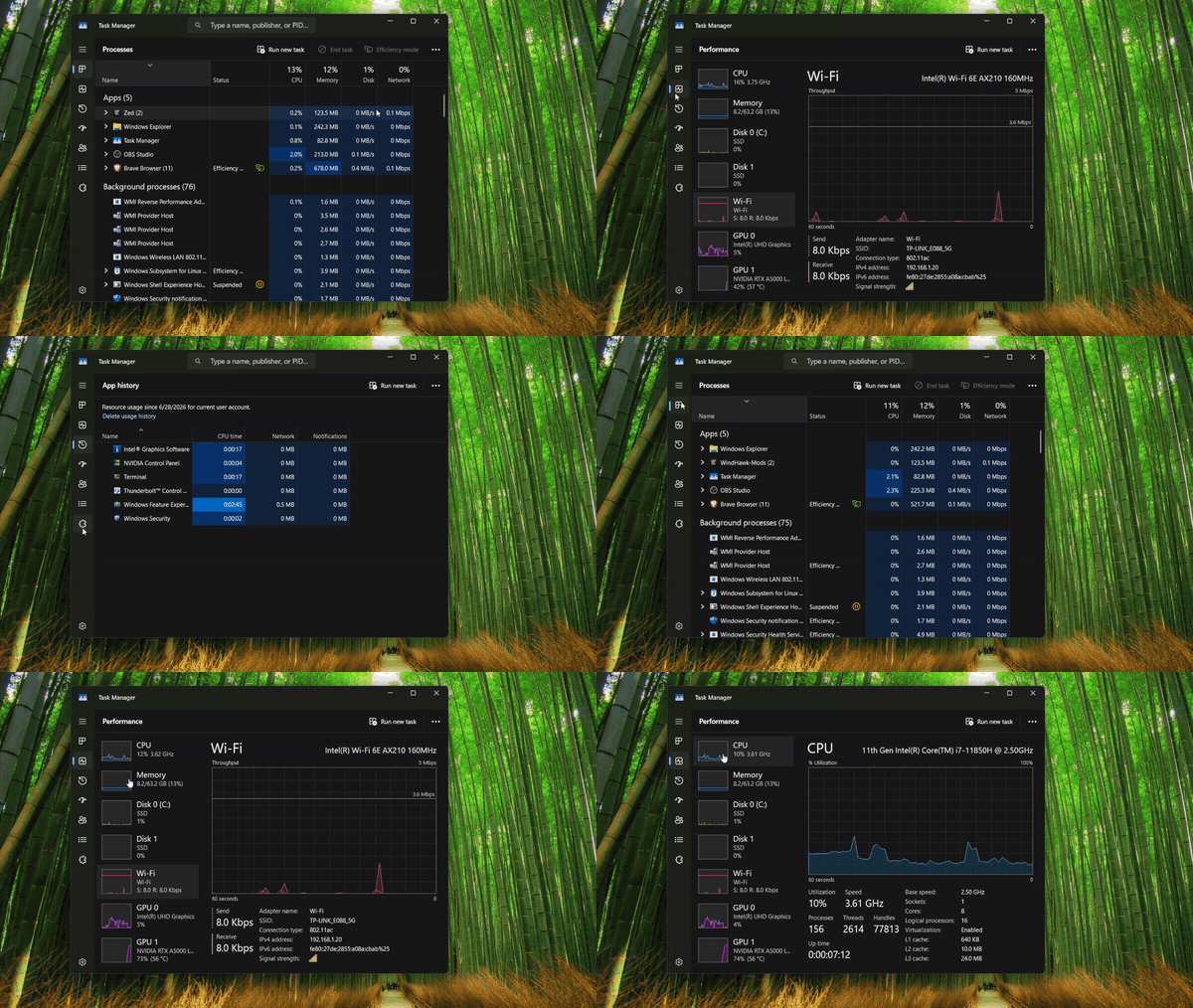
Crossfade (default): the old view dissolves into the new one:
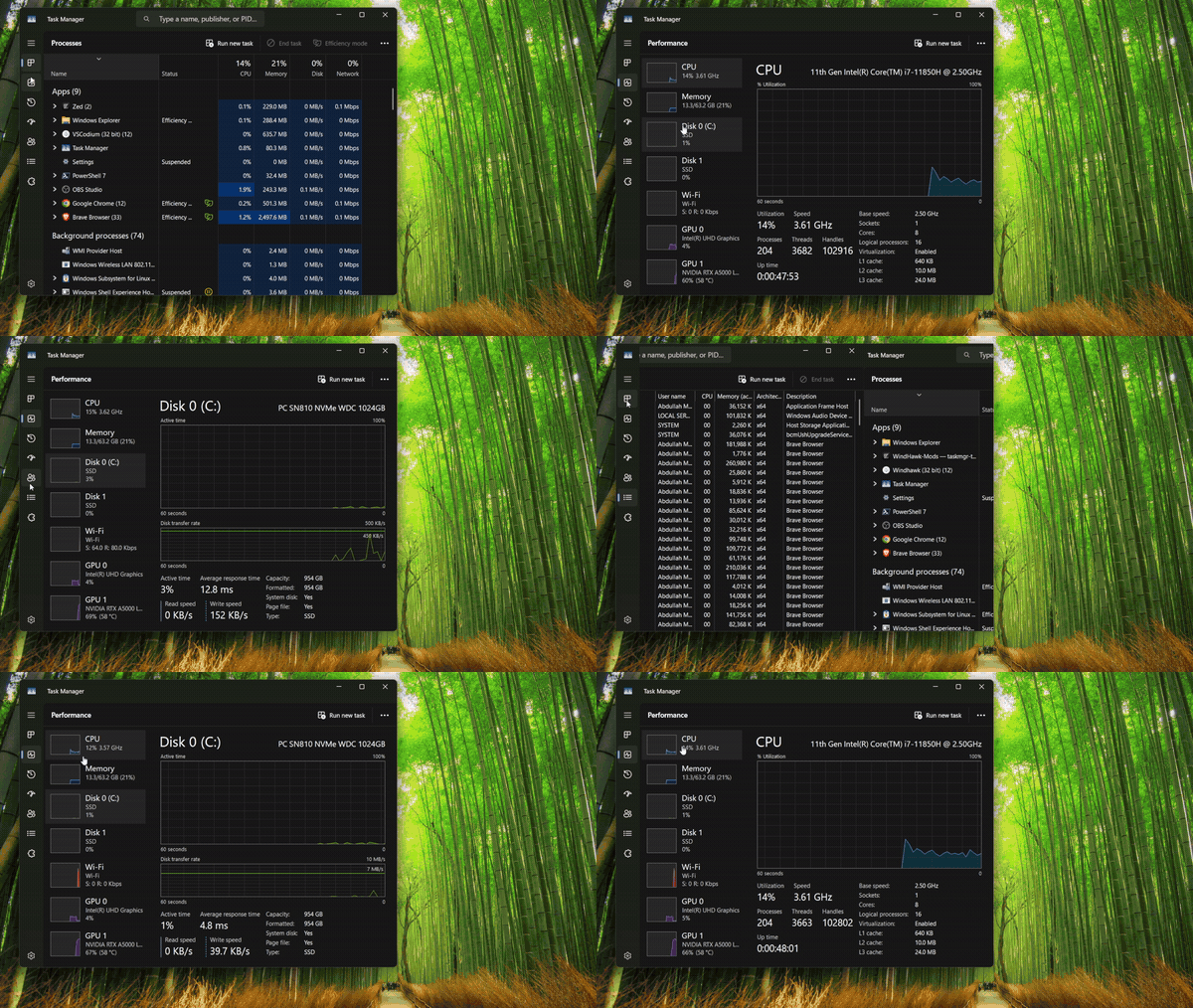
Slide: the new view slides in over the old:
How it works
The hard part is that Task Manager is a WinUI 3 app, which exposes no clean Win32 "tab changed" event to hook. So the mod doesn't wait for a signal. It infers the switch by heuristics, then confirms it with a screen capture of the content area. It holds the outgoing frame, and renders an overlay that either crossfades to or slides in the freshly-captured incoming view, before letting the real content show through.
Tech decisions & trade-offs
Heuristics + capture, because there is no hook
A native Win32 app would raise a notification on tab change that a mod could hook directly. WinUI 3 doesn't surface one reachable from an injected mod, so the only reliable cross-cutting signal is the pixels themselves. Detecting the switch heuristically and capturing the content region sidesteps the missing API entirely, at the cost of being experimental: it's reacting to what changed on screen rather than to a first-class event, so it's tuned conservatively to avoid animating on noise.
Capturing the content area, not the whole window
The animation only covers the content region that actually changes between tabs, leaving the title bar, search box, and side navigation untouched. That keeps the captured surface small (cheaper blits, snappier frames) and avoids animating chrome that didn't move, which would otherwise look wrong.
Two styles from one pipeline
Crossfade and slide are the same capture-and-overlay machinery with a different transform on the overlay (opacity for the fade, translation for the slide), so adding the second style cost almost nothing. Crossfade is the default because it's the most forgiving when the heuristic timing is slightly off; the slide is offered for users who want a more pronounced, directional transition.