TaskForge (Project Management SaaS)
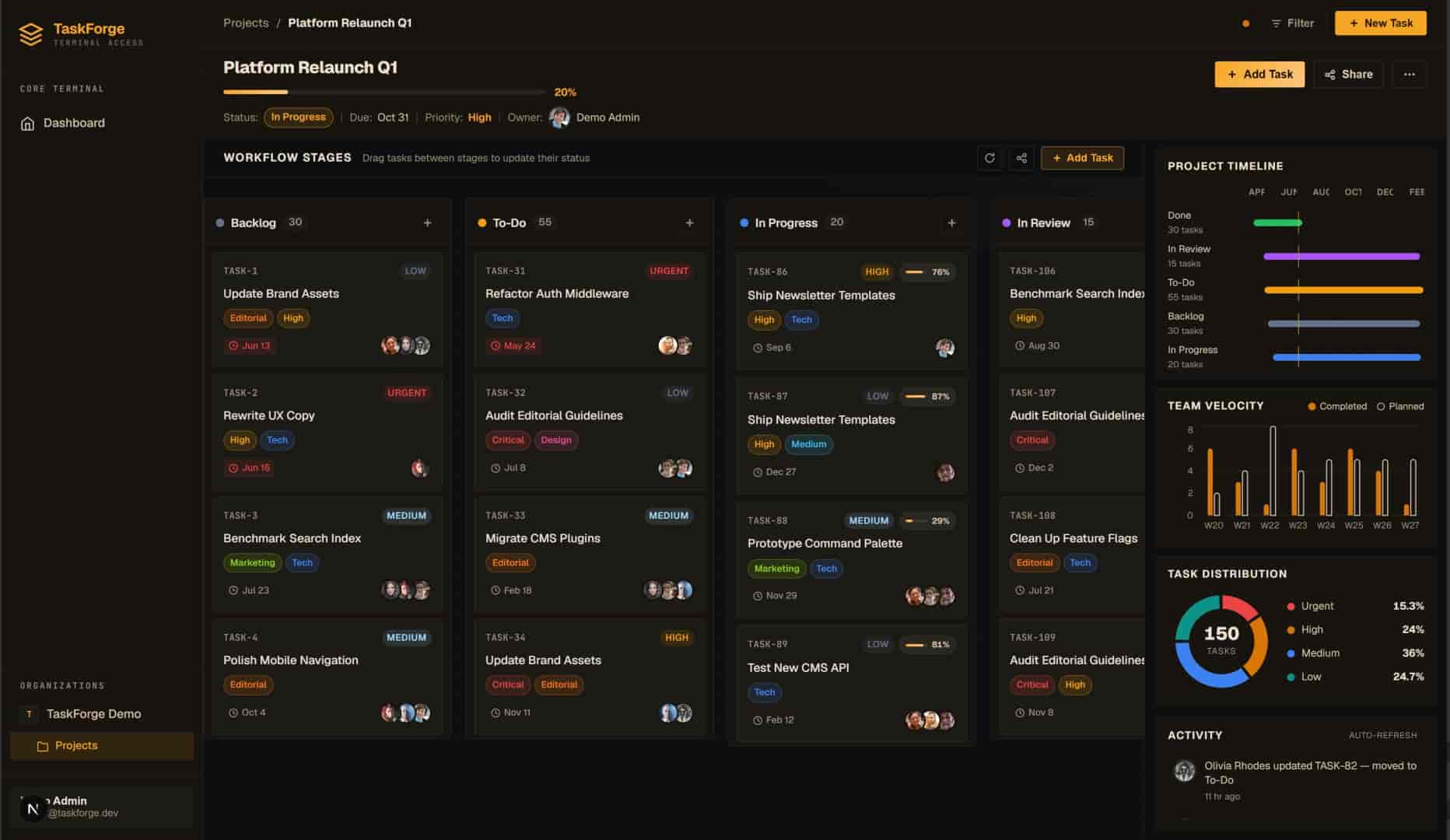
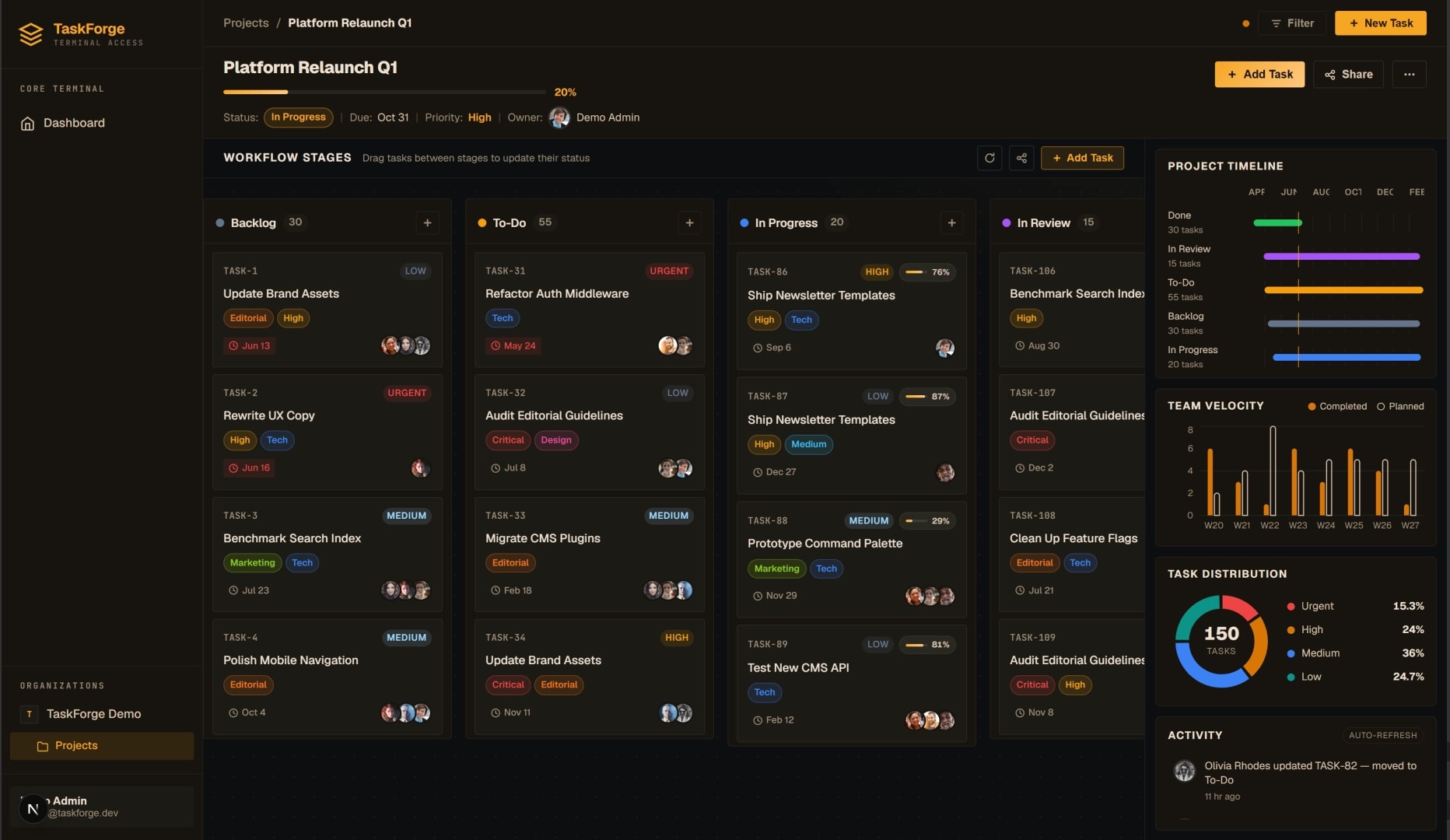
Full-stack project management platform with realtime collaboration and background job processing, on the web, as a native desktop client, and as an Android and iOS app.
Problem
Small teams kept outgrowing their task boards: the moment two people edited the same sprint, someone's changes vanished, and "refresh to see what's new" became the de-facto sync protocol. TaskForge set out to make team task management feel live: every board open in every browser (and the desktop app) reflects a change within a second of it happening, including changes made by background jobs like recurring-task rollovers.
That realtime requirement drove everything else: state had to live server-side with a single source of truth, updates had to fan out cheaply, and slow work (emails, digests, scheduled rollovers) had to happen off the request path so the UI never waits on it.
Architecture
The Next.js frontend and the Tauri desktop shell are the same client core speaking to a Django REST Framework API, and the Flutter mobile app is a third client on the same API and accounts. PostgreSQL holds the canonical state; Redis sits beside it doing double duty as cache and message broker; Celery workers consume the queue for everything that shouldn't block a request. Realtime updates fan out over websockets backed by Redis pub/sub, so an edit made in one client lands in every other open board without polling.
Tech decisions & trade-offs
Why Celery over cron
Recurring-task rollovers look like a cron job at first, until you need retries, visibility, and on-demand execution. Cron gives you a time trigger and nothing else: a failed run is silent, a backlog is invisible, and "run this rollover now because an admin clicked a button" means duplicating the script path. Celery puts scheduled work and request-triggered work on the same queue with the same retry policy, the same monitoring, and the same workers. Celery beat covers the schedule; everything else comes free. The trade-off is operational surface (one more long-running process to deploy), which is real but paid once.
Why Redis for both cache and queue
Running one Redis instance as both cache and Celery broker is a deliberate simplification. The workloads are friendly to each other: cache reads are hot but tolerate eviction, queue entries are small and short-lived. Using one store means one connection pool, one thing to monitor, and one mental model. Redis pub/sub falls out of the same box to power the websocket fan-out. The honest trade-off: at much larger scale you'd split them so a cache stampede can't add latency to job dispatch. For a small team's workload, the simplicity wins decisively.
Why Tauri over Electron
The desktop client exists for system-tray presence, native notifications, and an always-running shell, not for bundling a second browser. Tauri renders through the OS webview instead of shipping Chromium, which is the whole story in one number: the TaskForge installer is ~8 MB with Tauri versus ~120 MB for the Electron equivalent, with idle memory usage to match. The cost is webview variance (WebKit on macOS, WebView2 on Windows), so a handful of CSS features needed fallbacks that Electron's pinned Chromium would have papered over. For an app that's a companion shell around a web core, that's a cheap price for a 15× smaller download.
Why a native mobile app instead of the web app on a phone
A Kanban board built for a mouse is awkward on a touchscreen. The Flutter app keeps the same API, accounts and look (the near-black background, amber accents and monospace labels) but works the way a phone app should: drag tasks between columns or move them from a menu, swipe a notification to mark it read, and scroll the inbox while it loads more. Riverpod plays the part the web app's Zustand store and TanStack Query play, so the two clients share a mental model even though they share no code. Board changes from other people still arrive live over the same WebSocket.
CI checks formatting, runs the analyzer and tests, and builds a release APK and an unsigned iOS build on every push. A version tag builds a universal APK, per-ABI APKs and an App Bundle and attaches them to a GitHub release. The latest release installs on any Android phone, and the login screen has a button that fills in the demo account.