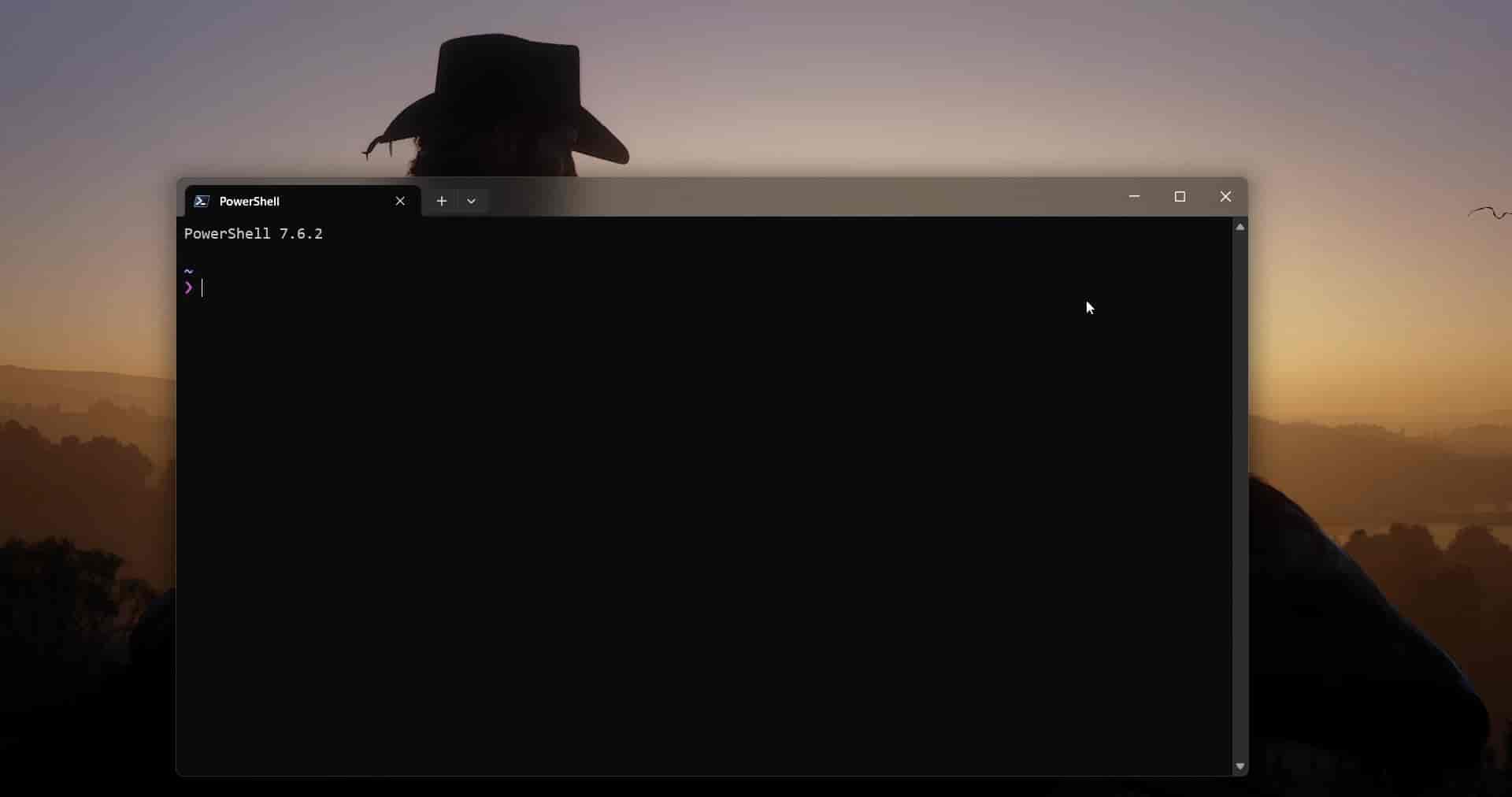
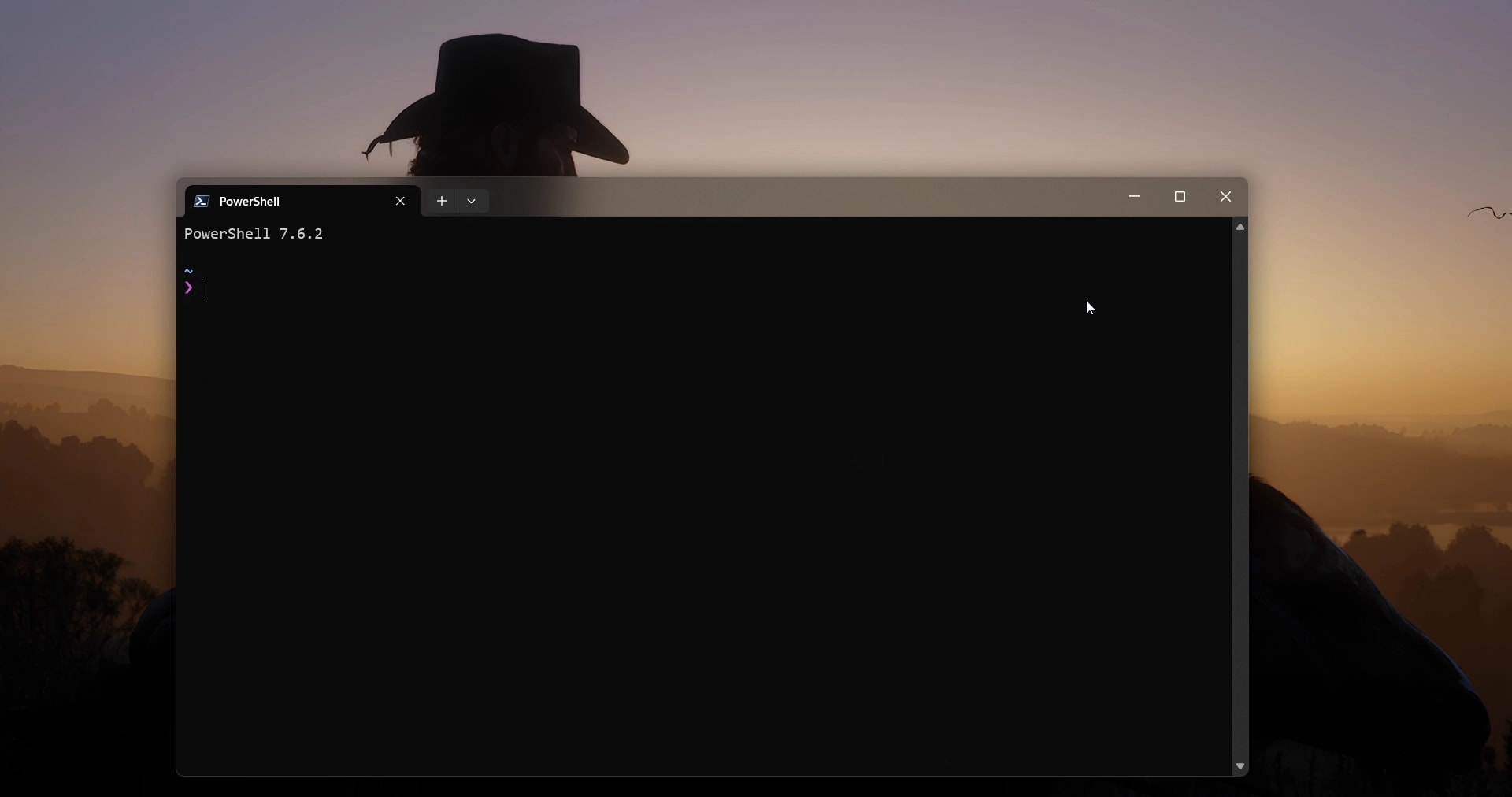
MacOS Minimize Animation (Windhawk Mod)
Windhawk mod in C++ that brings the macOS genie effect to Windows: minimizing slices a window into horizontal strips that curve and pour into the taskbar, then plays in reverse on restore, drawn live off the DWM composition with GDI. Published to the official Windhawk catalog.
What it does
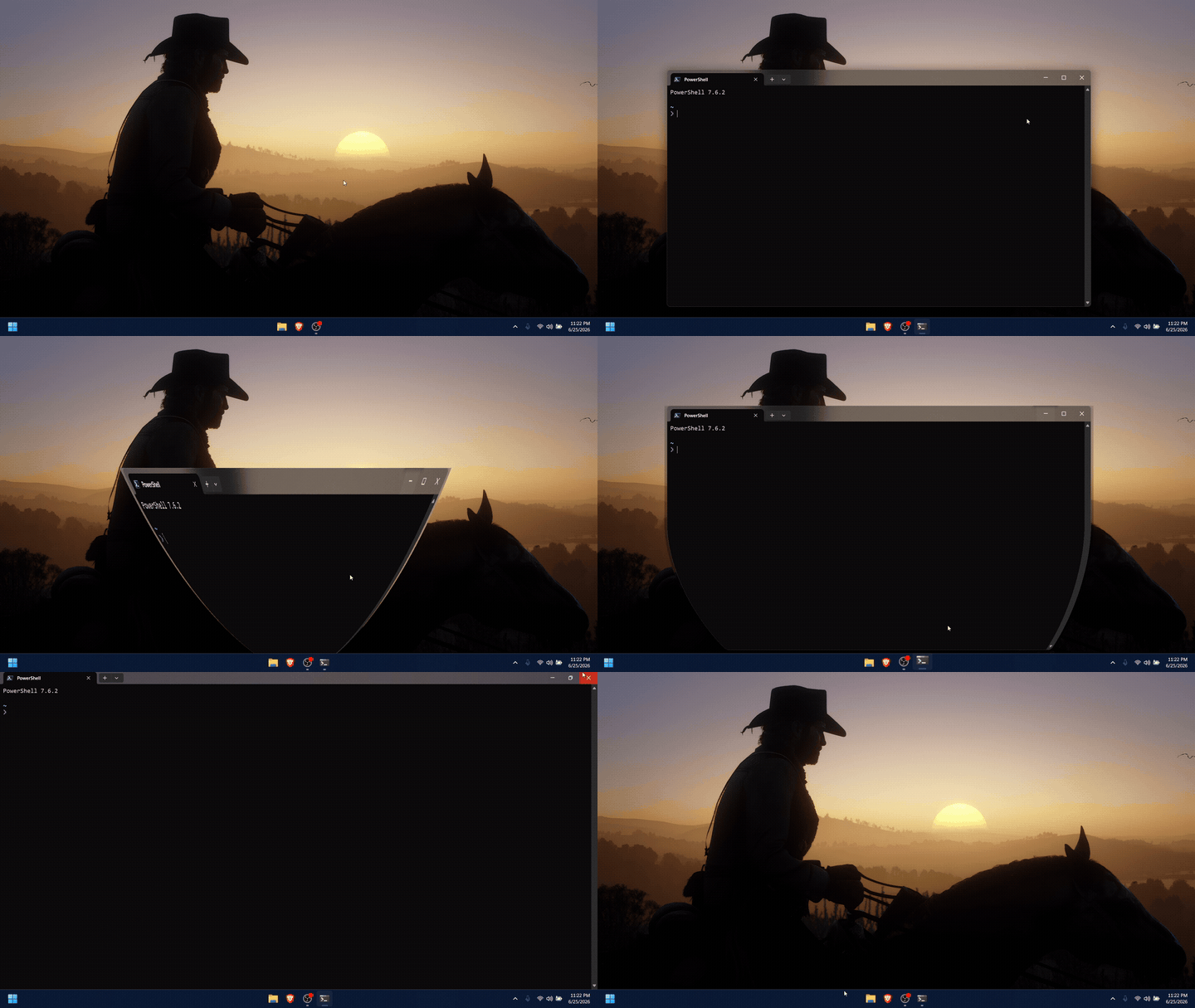
Windows minimizes a window by instantly snapping it to the taskbar. macOS instead plays the genie: the window stretches, curves, and pours into the Dock. This Windhawk mod brings that genie to Windows (for every window, with no per-app setup) and plays it in reverse when you restore.
How it works
Windhawk injects the mod into every process (@include *), so it hooks the window show/hide path globally. The instant a window is minimized or restored, the mod takes over the frame: it grabs the window's pixels off the DWM composition, then, instead of a uniform shrink, slices that bitmap into horizontal strips and curves each one toward the taskbar with GDI, so the bottom of the window flows in first and the whole thing funnels down like the genie. Restore runs the identical warp backwards.
Tech decisions & trade-offs
Why slice into strips instead of scaling
A genie is not a scale animation: a uniformly shrinking rectangle reads as "shrink", not "pour". The effect only sells if different parts of the window move at different rates, so the mod treats the captured bitmap as a stack of horizontal strips and gives each its own curved path and timing toward the taskbar target. That strip model is what produces the funnel/neck shape; the cost is more per-frame blitting, kept cheap by working on one cached capture rather than re-reading the window every frame.
One global hook over per-app integration
Targeting individual apps would mean fragile, never-ending special-casing. Hooking the shared show/hide path with @include * instead means any normal top-level window (Explorer, a browser, Notepad) animates for free, and the behavior stays consistent across the whole desktop. The trade-off is that the mod must bail out cleanly on windows that shouldn't animate (tool windows, already-hidden windows), which is handled by gating on window style and state before taking over a frame.
Drawing off the DWM composition
Reading the window's pixels from the Desktop Window Manager gives a faithful, already-composited bitmap to warp, so the animation matches exactly what the user sees. Animation duration is exposed as a setting, and an experimental app-launch animation ships off by default: the launch path is far noisier to detect reliably than the explicit minimize/restore signal, so it stays opt-in.